ログインボタン
ログイン通知/Notification
新しいスレッドのお知らせを受け取るには、ログインが必要です(誰宛ての通知かを決めるため)。
ヘルプボタン/Help Button
ヘルプ/Help自分のコンテンツボタン/My own content button
自分のコンテンツ/My content検索・並び替え/Search & Sort
検索/Searchシステムの再起動/Syatem Reboot
タップ音の有無/Presence of tap sound
壁紙の変更/change wallpaper
※ブラウザキャッシュを削除すると設定が初期化されるのでご注意ください。/*Please note that deleting your browser cache will initialize the settings.
あなたの好きな画像を壁紙を追加↓/Add your favorite image as wallpaper↓
フィードバックやお問い合わせ/Feedback and inquiries
各種ボタンの説明/Explanation of the various buttons
IIPSでは一番最初に表示される画面のことを、スレッド一覧または投稿一覧またはポスト一覧と表記します、そしてそれらに紐付いてる投稿を返信一覧またはポスト一覧または投稿一覧といいます。なぜこれらの呼び方をするかというと、使い方によって変わるためです。掲示板として使うならスレッドと返信、ブログとして使うなら投稿一覧またはポスト一覧、それ以外の使い方呼び方も可能です。それがこのサービスの長所でもあります。
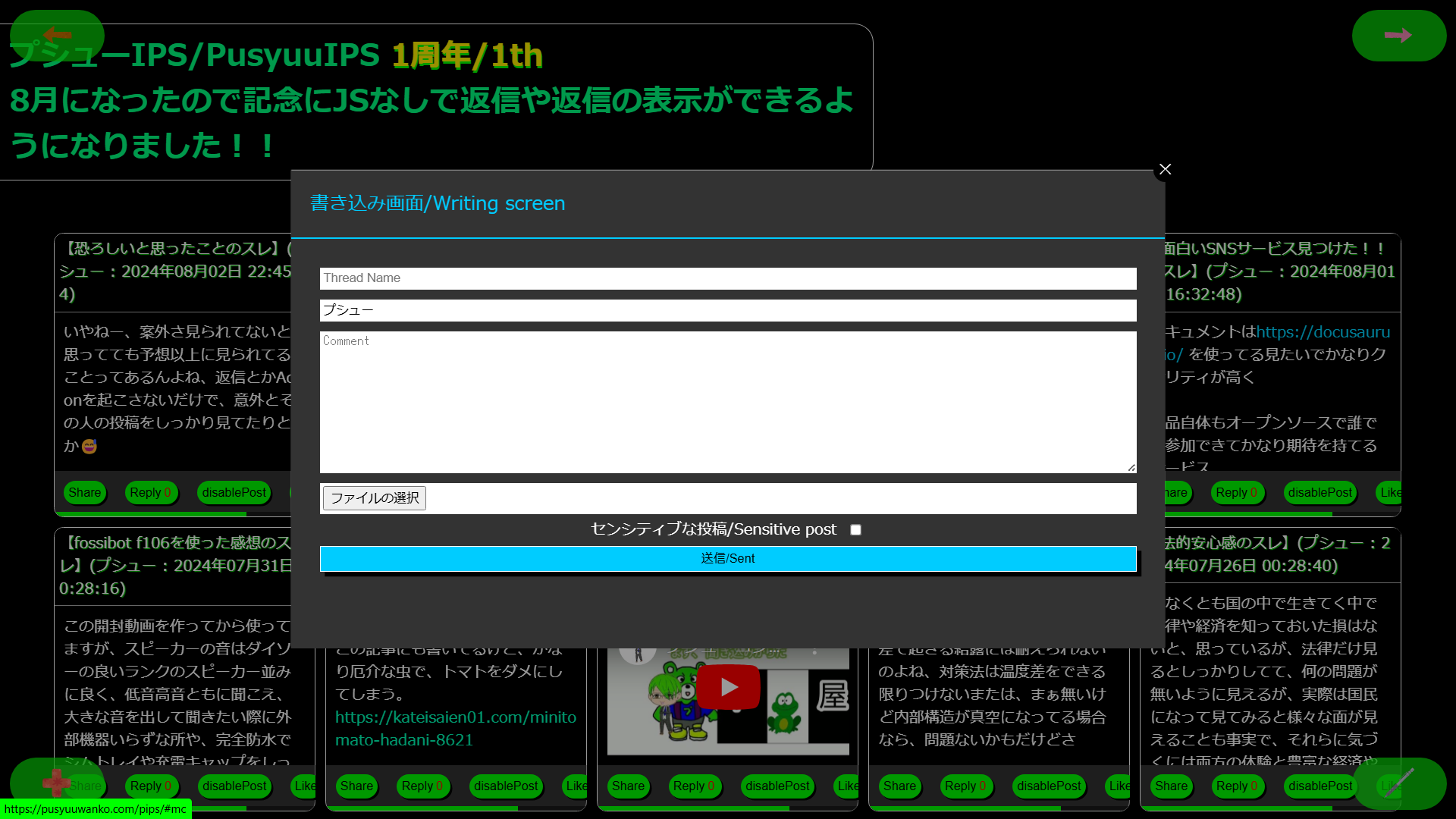
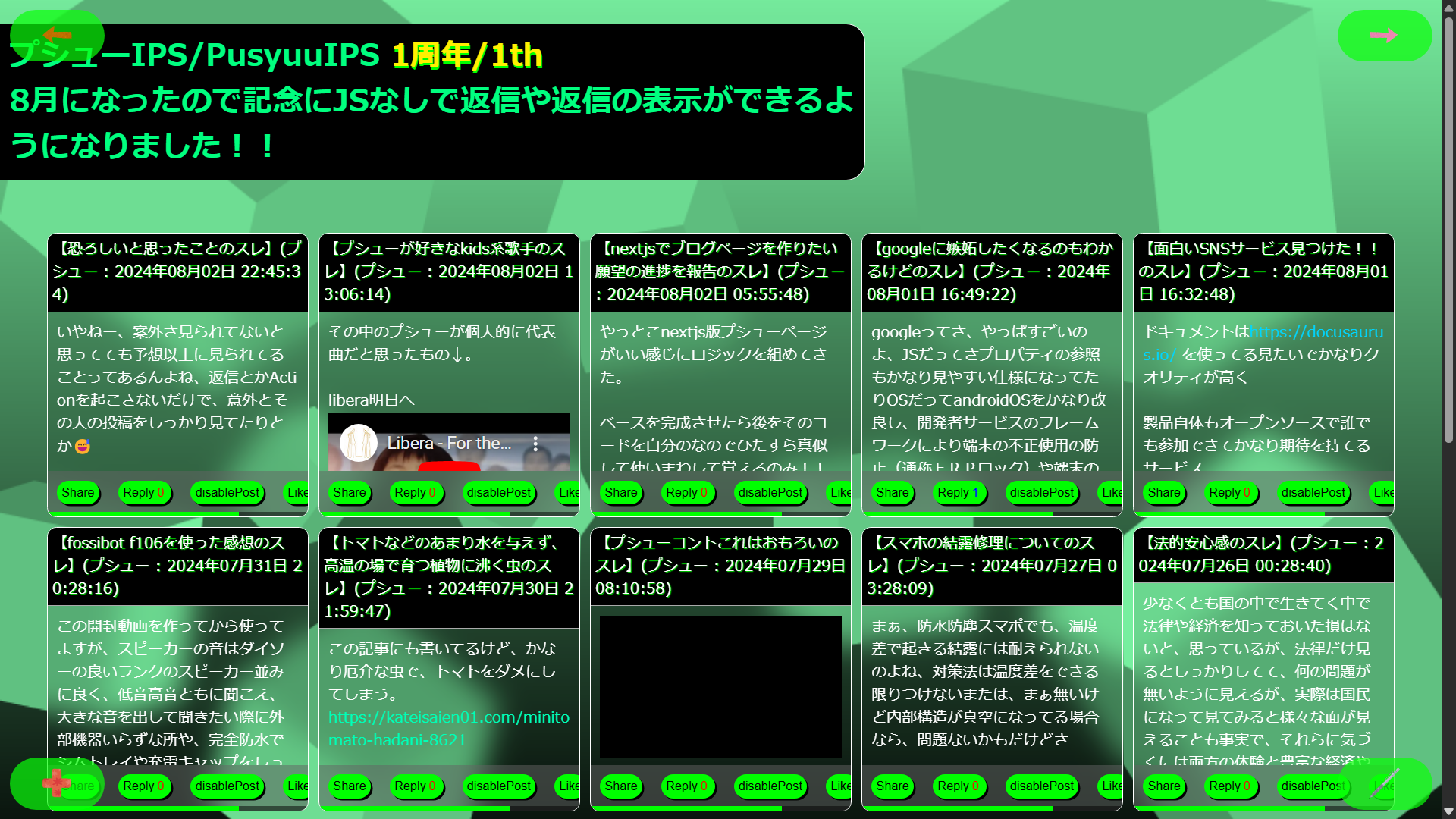
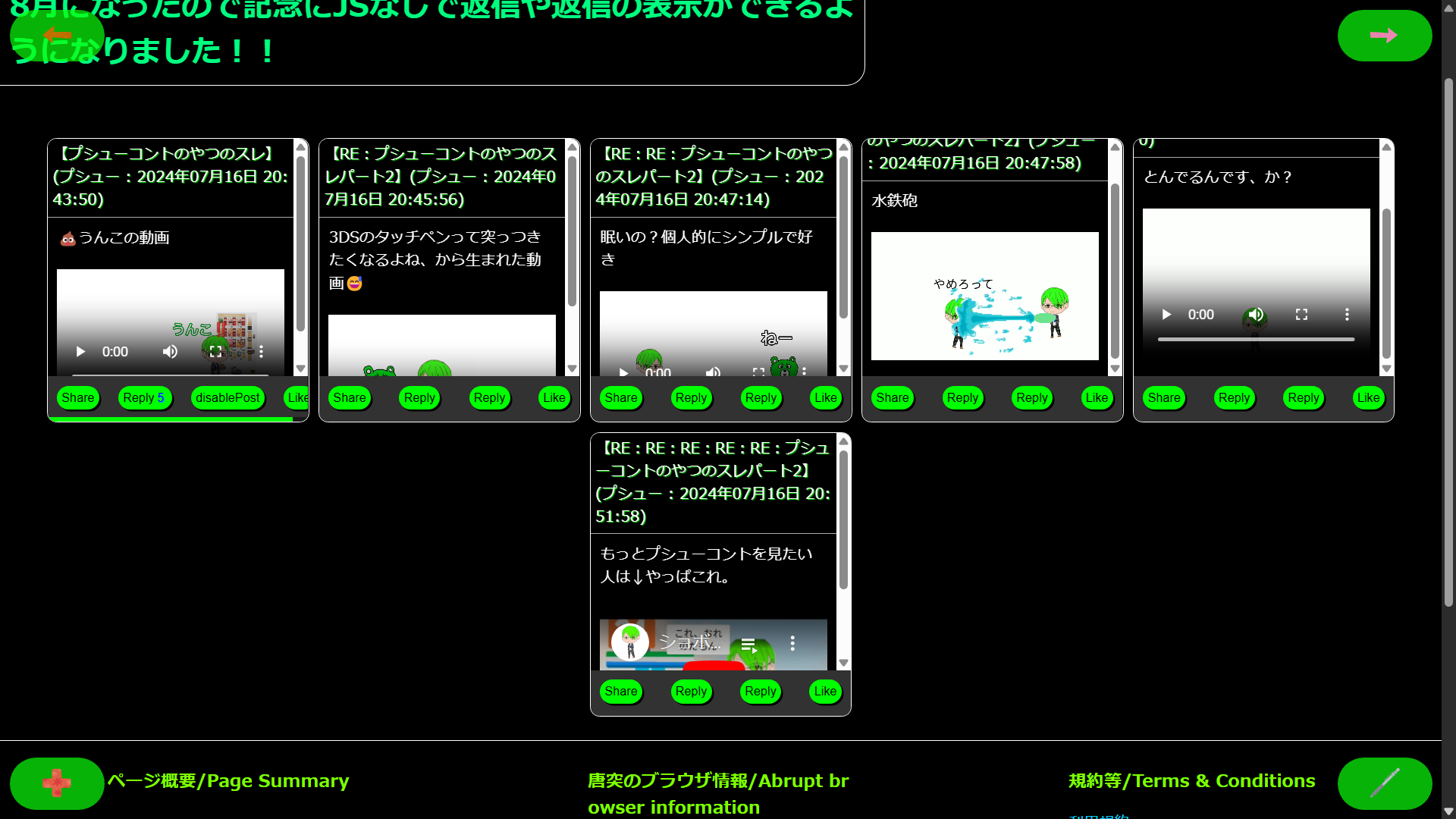
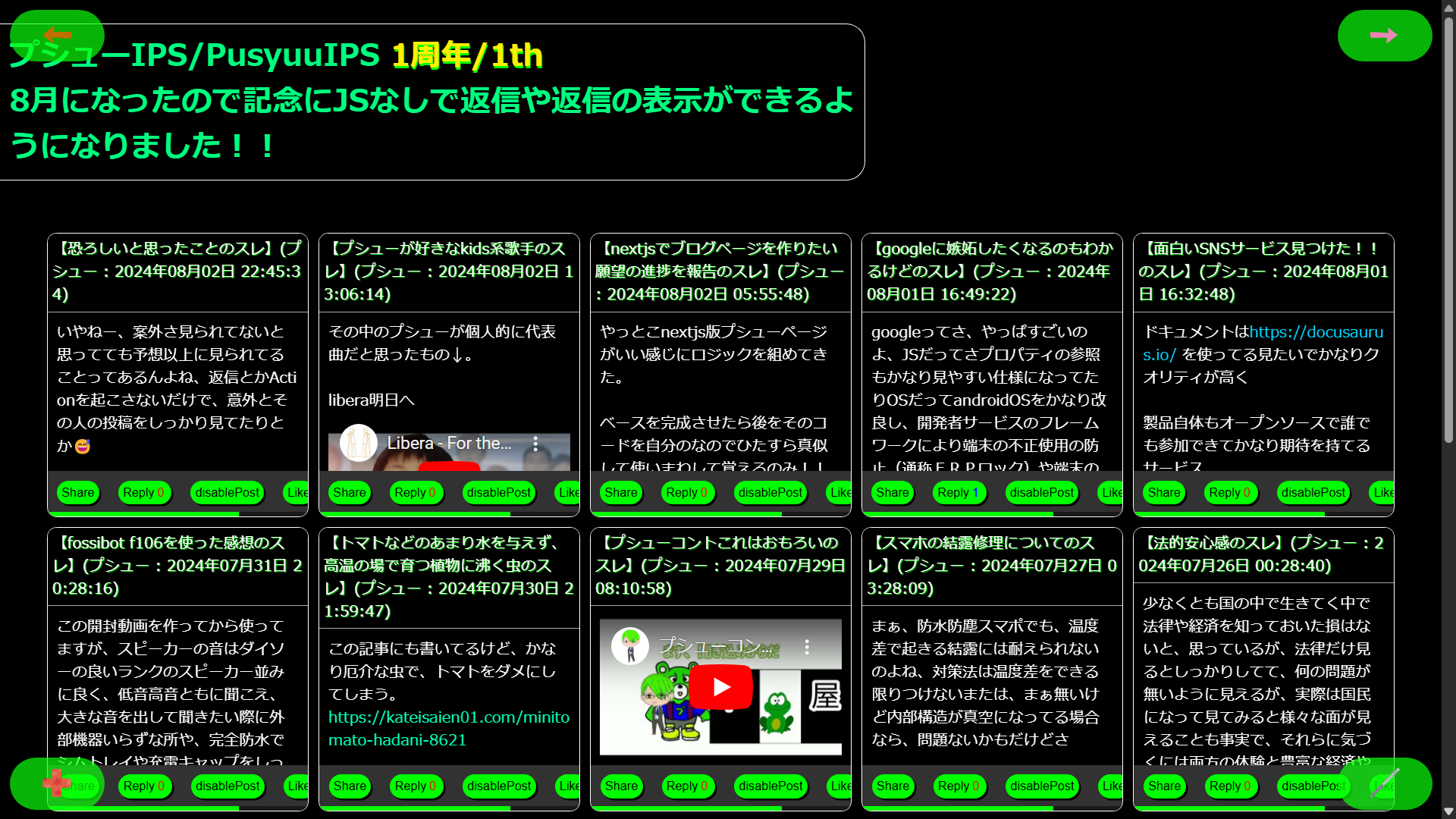
イサミーズIPSでは四つ角にボタンを配置しており、左上、左下、右上、右下、にボタンを設置しています。各種ボタンの説明↓/In Pushu IPS, buttons are arranged in the four corners, and buttons are placed in the upper left, lower left, upper right, and lower right. Explanation of various buttons ↓
- 左上:戻るボタン(過去ポストから戻ることができます。)/Top left: Back button (You can go back from the past post.)
- 左下:+ボタン(もっと多くの機能。設定やヘルプを見たりすることができます。)/Bottom left: + button (More features. You can make settings and see the help.)
- 右上:進むボタン(過去のポストを見ることができます。)/Top right: Forward button (You can see past posts.)
- 右下:書き込みボタン(新しいポストを作ることができます。)/Bottom right: Write button (You can create a new post.)
ポスト一についてる各ボタンについて/About each button on the post
📨ボタン(ボタンを押すことによりポストのリンクをコピーまたは他のSNS等にシェアできます。)⤴ボタン(ボタンを押すことによりそのポストに対し返信を行うことができます。)🙅ボタン(ボタンを押すと、理由を選んでそのポストを運営に通報できます。通報にあなたの名前やアカウントは含まれません。)❤(ボタンを押すことによりポストをお気に入りに追加でき、+ボタン内の「自分のコンテンツ」にある「あなたのブックマーク」に保存されます。)😊(ボタンを押すことにより感想スタンプを押したり、届いたスタンプの数を見たりできます。1つの投稿に押せるのは1つで、選び直しと取り消しは同じ閲覧が続いている間だけできます。横の数字は届いたスタンプの合計です。)👀(ボタンを押すことにより、ポスト一覧「スレッド一覧」ではJavaScriptが無効になっていてもポストを閲覧することができます。またスレッド(投稿一覧、返信)欄では👁ボタンになっており、この場合は拡大かつ単品で投稿を表示できます。)/ 📨 Button (By pressing this button, you can copy the link to the post or share it on other social media platforms.) ⤴ Button (By pressing this button, you can reply to the post.) 🙅 Button (By pressing this button, you can report the post.) ❤ (By pressing this button, you can add the post to your favorites; it is saved in "Your bookmark" under "My content" inside the + button.) 😊 (By pressing this button, you can send a reaction stamp or view the stamps received. You can send one per post, and change or undo it only while the same visit continues. The number next to it is the total number of stamps received.)👀 (By pressing this button, you can view the post even if JavaScript is disabled in the post list or "thread list". In the thread view (post and replies), it appears as an 👁 button, which lets you expand and view the post individually.)
エラーの対処法について/What to do about the error
エラーの対処はとても多いいですし、あなたも対処法はわかりやすいほうが良いでしょう、そのためQ&AをイサミーズIPSの紹介ページに掲載していますのでそちらをご覧ください。/There are a lot of ways to deal with errors, and you should be able to understand how to deal with them, so please see the Q&A on the introduction page of IsamisIPS.
@PusyuuWanko
ABE ISAMI
プシューサービスの開発者、兼、管理者 孤独が基本で、その状態が最も自由で心地いいと知っている青年。 君はなぜそんな事をするの?、見たくない、聞きたくない、となるような物を作り、問い続けるちょっとした創作者
フォロー: 0 フォロワー: 0
届いた感想スタンプ/Reaction stamps received: 🙆わかる 0 💡なるほど 0 😂笑った 0 😢泣いた 0 ✨すごい 0
フォローするにはログイン/Log in to followもしそんな会社あったら倒産しちゃうw
今日は溜まった動画を消化しながら嗜もうと思う
まずはこれだな(スクショにあるやつ)
当時は5%は飲んでたけど7%は初めてだな、ワインを初めて4月ぐらいに飲んだけどどっちがあれなんだかはわからないな、以前ユーチューブで日本酒飲みすぎて初めてリバースしたという動画あれは、…1,いや2年前ぐらいのときにやらかしたんよね、あーこのくらいがダメなんだとねw
じっくりあれーおかしいなみたいな感じだったw二日酔いという
お酒は自分の体と相談しつつゆっくり嗜もう、まぁ毒物飲料に変わりないがねwアルコールなんてそうでしょ
気にしなくていい自由気ままでいいは3年前19歳の頃は私が作ったものが自由にする可能性をまだ捨てきれなかったが、今の答え場無理が答え自分の自由を削るならでも完璧は無理
自由とは何かを考えていくと最終的に出る答えだと思う、故に私の自由を突き詰める場を考えるようになった、でも19の頃に全くその事実が見えてないわけではなかった、でもそれが確信になったと言える
イサミーズサービスは誰かに使ってもらうものではなく私が使うためにある、ずっとこれは変わらない、カエルページからプシューページからプシューサービスそしてイサミーズサービスへ変わってきたそのなかで変わらず核にあるものだね
High school: Google. I stopped trusting big platforms with my data. I uninstalled Google apps, used only open-source alternatives, skipped carrier contracts for prepaid SIMs, and avoided LINE (Japan’s dominant messaging app). Even a tiny bit of my info showing up on Google scared me.
Age 20: The leak. Some online troll groups had a feud with each other, and I got caught in the middle just for being a mutual follower of one of the people involved. They sent threats through my contact form: bring that person to our board, or you and your friends get doxxed too. My home address was posted on someone else’s forum.
Honestly? Part of me found it exciting. Nothing actually happened. I refused their demands, replied once, and that was the end of it.
That’s when it clicked. An address or a face is just a meaningless string until someone decides to target you. People walk around in public with their faces showing every day, and nobody goes after them. The difference isn’t exposure. It’s whether someone has a motive. The danger was never the information itself.
Looking back on all those years of hiding, I realized two things:
You can’t hide completely. The moment you step outside, your face is visible. Every service pushes SMS verification and terms of service that assume you’ll hand over your data.
Hiding fails silently. “My info hasn’t leaked” and “my info leaked and I never noticed” look exactly the same from the inside. You can’t detect a leak you don’t know happened.
So I changed my approach. Instead of only hiding, I design for the leak: make leaked data useless, and make leaks detectable. Security folks call this “assume breach.”
I put that idea into a PHP session library. I’m not saying “never use cookies.” I’m saying hiding alone has limits.
The server stores only a hash of the user’s secret, so a stolen session store doesn’t let anyone in.
If session generations don’t match, the whole session is destroyed. Theft gets detected the moment the stolen session is used.
Secret values show up masked even through echo or var_dump, so they don’t slip into logs by accident.
https://github.com/PusyuuWanko/pusyuu_session
(The README is in Japanese for now.)
It took me the long way around, but here’s where I landed: spend less time hiding, and more time thinking about what happens when it leaks.